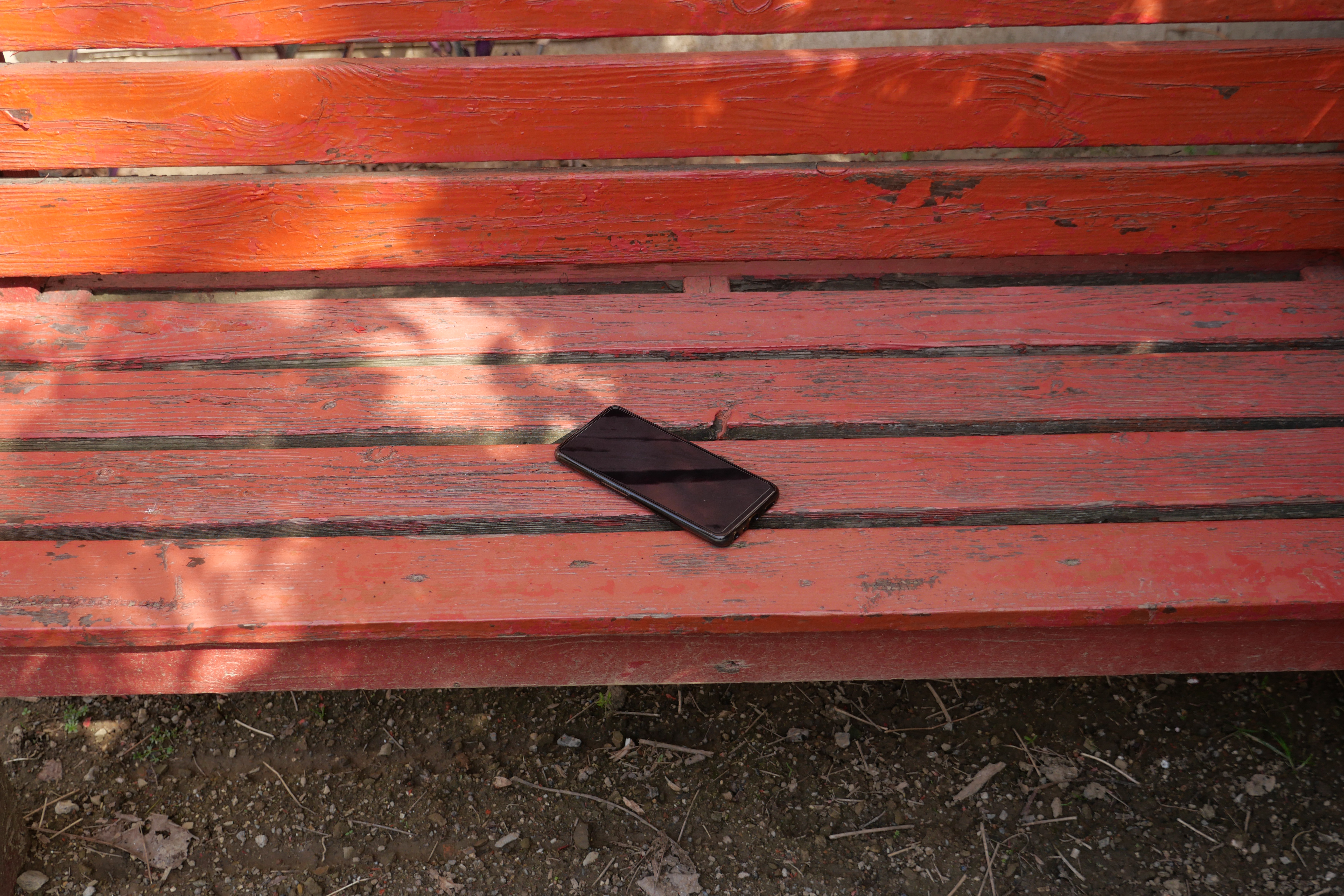
It is easy to lose your smartphone. On a trip to Montreal, I left the hotel to visit the sights and only realised I did not have my phone after walking about twenty minutes. No worries. I could use my wife's phone, start an incognito mode session, login to my account, and launch https://google.com/android/find. Unfortunately, I protect my Google account with two-factor authentication via an authenticator app or SMS, both requiring access to my phone. Fortunately, I had access to my 2FA backup codes. However, Google's Find My Device would not reveal where my phone was for reasons that I never discovered.
Recently Google rolled out an improved Find My Device (https://support.google.com/android/answer/6160491) network that is similar to the comparable Apple system. In addition to using other location sources (cell network and WiFi), supported Android phones securely broadcast their location to other phones in the network over Bluetooth. By default, this feature is only enabled in high traffic areas to help reduce privacy concerns. Even if your phone is powered off, the Find My Device network can tell you where it was last located. The Find My Device network also supports some Fast Pair peripherals and two trackers, Pebblebee and Chipolo, but unfortunately not the Tile trackers that are part of the Life360 network.
Google provides a 'Find My Device' app that includes a 'Sign in as guest' option. Although you need to know your Google account and password, it bypasses 2FA. I can 'secure' the device which logs it out of Google. I re-tested Google's Find My Device website. If I launch and login to https://google.com/android/find from an incognito session, Google does not prompt for 2FA either - I am not sure if this is new behaviour.
How did I end up finding my phone? I traced my path back to my hotel room and searched there without success. Panic was setting in when I heard the phone ring. It was a spam call - it had not occurred to me to call my phone from the room phone. Before going sightseeing, I had tried to figure out which way the hotel faced by comparing Google Maps to the view out the window. I got distracted and put the phone on the window ledge in a corner concealed by the open curtains.
The moral of the story is to check out how important security features actually work and then practice them periodically because when you need them, your brain will not be at its best.
Some additional links:
- https://support.google.com/accounts/answer/3265955
- https://www.techradar.com/phones/android/android-find-my-device
- https://www.techradar.com/computing/software/confused-about-googles-find-my-device-here-are-7-things-you-need-to-know
- https://www.techradar.com/phones/phone-accessories/android-phones-finally-get-their-first-airtag-style-trackers-heres-how-they-work
Blog comments